
How to download your Stripchat videos (the ones you bought)
Stripchat has no download button. Here's how to save the videos you bought: by hand with DevTools and yt-dlp, or automatically for your whole collection.
Stripchat lets you buy videos, but not keep them. There’s no download button: what you paid for lives in your collection and plays only inside the site, for as long as the site and the model’s profile allow. Models delete videos, close their accounts and move things into their fan club. When that happens, the video usually leaves your collection too.
So people save them. You can do it by hand, one video at a time, or with a tool that goes through the whole collection for you. Both are covered below.
What you can download (and what you can’t)
Only what your account can already play. If a video is locked behind a fan club tier you don’t have, or it’s a pay-per-view you haven’t unlocked, there’s nothing to download — the site never sends that stream to your browser. None of this gets around a paywall. It saves what you can already watch, and nothing else.
Option 1: by hand, with DevTools and yt-dlp
Stripchat plays recordings as an HLS stream: a playlist file (.m3u8) that points to hundreds of small pieces of video. Your browser will show you that playlist if you know where to look.
- Open the video on Stripchat while logged in.
- Press F12 (or right-click the page → Inspect) and open the Network tab.
- Type
m3u8in the filter box. - Press play. A request ending in
.m3u8shows up. If there are several, pick the one with the highest resolution in its name. - Right-click it → Copy → Copy URL.
- Download it with yt-dlp, a free command-line downloader:
yt-dlp -o "video.mp4" "PASTE-THE-URL-HERE"
Or, if you’d rather use ffmpeg directly:
ffmpeg -i "PASTE-THE-URL-HERE" -c copy video.mp4
A few things will trip you up:
- The link expires. It’s signed and only valid for a while. If you get
403 Forbidden, go back and copy a fresh one. - It doesn’t scale. It’s one video at a time, plus renaming every file, for every model. A few dozen videos is an evening. A few hundred is a week of evenings.
- The file might not play right. Many Stripchat recordings open frozen on the first frame or show the wrong length, and private shows recorded in several parts often break when they’re downloaded as one file. That’s not something you did wrong — it’s how the recordings are made. This guide explains why, and how to fix it.
Option 2: the whole collection, automatically
This is what we built Collection Saver for. It’s a desktop app for Windows and Linux that does the steps above for every video your account can watch:
- Connect your account. Log in to Stripchat in an ordinary browser window the app opens, or reuse the login you already have in Chrome or Firefox. Your password goes to Stripchat, not to us.
- Pick your models. Your collection shows up with photos and video counts. Everyone is selected; untick whoever you want to skip.
- Click Download. It finishes one model before moving on to the next, saves each video under its real title in a folder named after the model, and repairs the broken recordings along the way — without re-encoding, so the quality stays exactly as recorded.
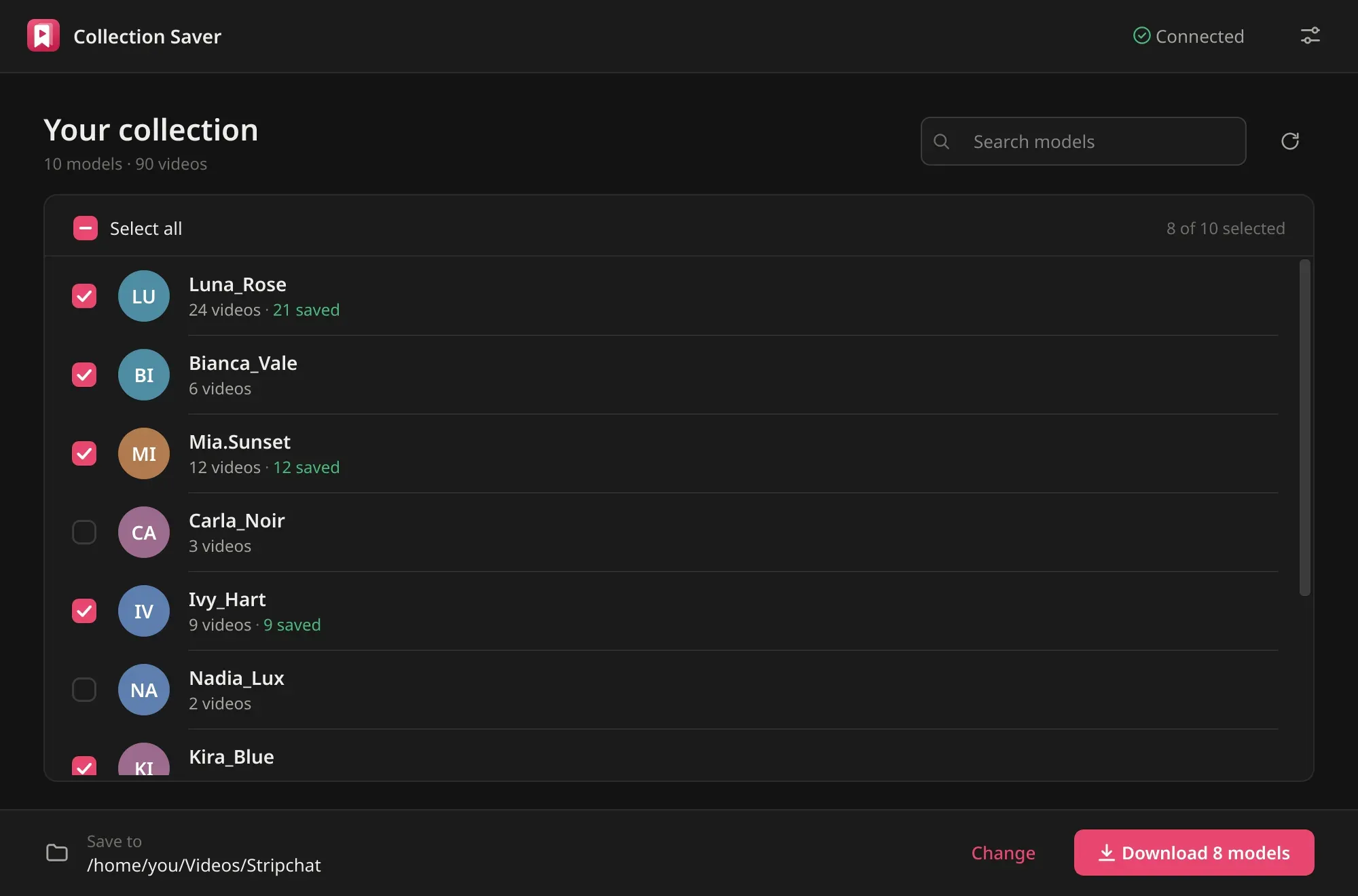
It remembers what it has already saved, so next month a run only grabs what’s new, which takes seconds per model. Locked videos are detected and left alone.
It costs $19, once. Here’s how it works.
After you download
Two things worth doing, whichever way you went:
- Open a few files from different models before you call it done, ideally on the device you’ll actually watch on. Phones and TVs are pickier than VLC.
- Keep a second copy somewhere else. One external drive is one coffee spill away from losing everything. Here’s a simple setup that keeps a collection safe and private.
Is this allowed?
Stripchat doesn’t offer downloads, and its terms of use are its own — read them and decide for yourself; it’s your account. What isn’t a grey area: don’t share or re-upload what you download. Those videos are how the models get paid.